When your payouts tool goes down: a checklist for small teams
Salaries due, suppliers waiting, and your payouts platform is offline. What to do on the day, and how to set up so one outage never stops payday again.
FinoQ Team
It is the 28th. Salaries are due at noon. You log in to the tool you pay everyone from, and it will not load. An hour later it still will not load. Staff are asking. Suppliers are asking. Nobody can tell you when it will be back.
Every payments platform has bad days. Ours included. The difference between a bad day and a crisis is mostly what you set up before it happened.
On the day: what to do first
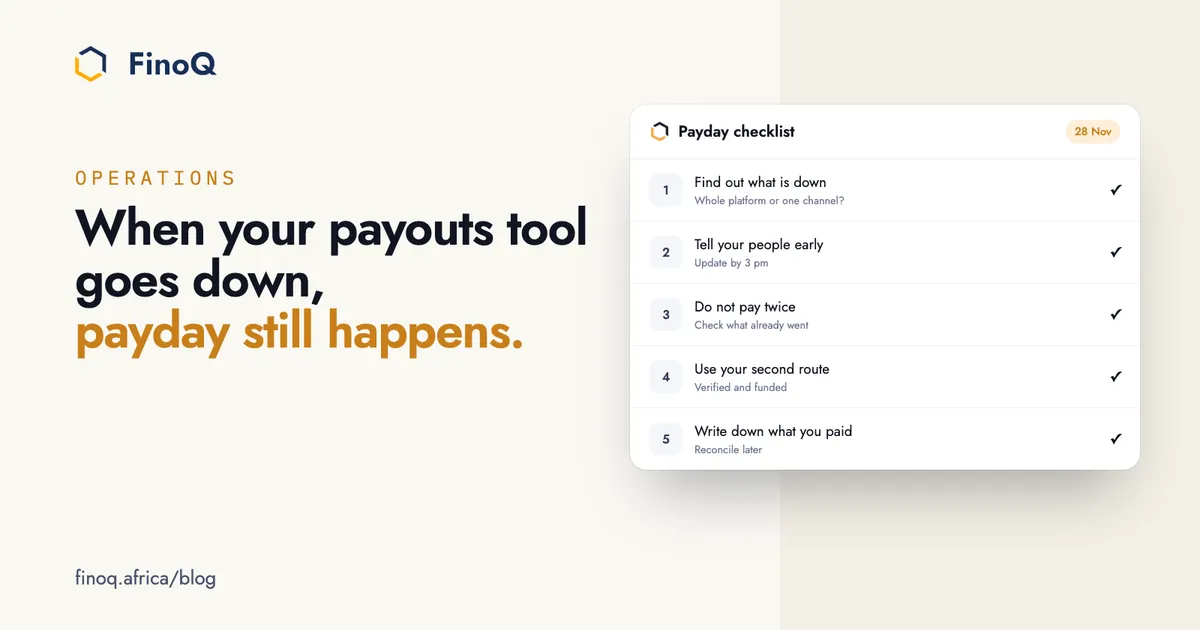
1. Find out what is actually down. Is it the whole platform, or one channel, such as bank payouts but not M-Pesa? Check the provider’s status page and support channels before you assume the worst.
2. Tell your people early. A short message beats silence: “Our payments provider is having an outage. Salaries will go out today, possibly late. We will update you at 3 pm.” Staff forgive a delay. They do not forgive being ignored.
3. Do not pay twice. If a run was in progress when things went down, find out which payments actually went through before you resend anything. Paying twice is a bigger problem than paying late.
4. Pay the urgent ones another way. Prioritise people for whom a delay really hurts: casual workers, small suppliers, anyone with rent due. Use your backup route for them first.
5. Write down what you paid, and how. When the platform comes back, you need to reconcile. A simple list of who was paid, by which route, saves you from double payments later.
Before the next one: build in a second route
Most small teams run all their payouts through a single tool. That is efficient, until the day it is not. Here is how to make sure one outage never stops payday again.
Keep your payroll list somewhere you own
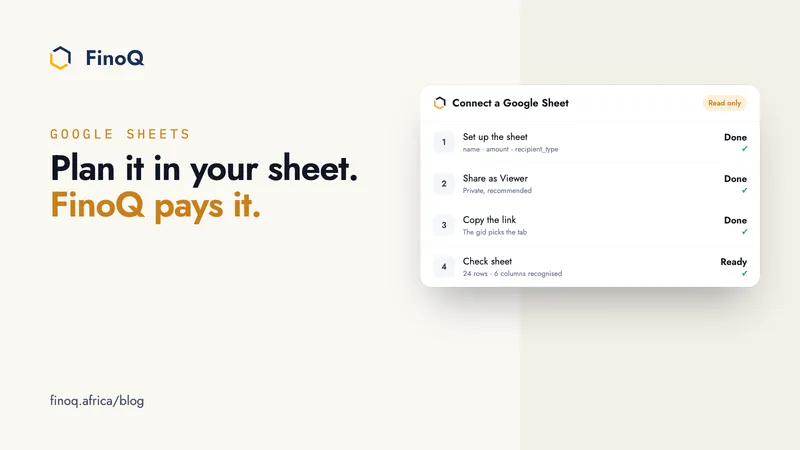
If your staff list only lives inside one platform, an outage locks you out of the list itself. Keep it in a spreadsheet you control. Better still, a Google Sheet that your payouts tool reads, so the list is always current and always yours. (Run bulk payouts from a Google Sheet.)
Have a second payouts route set up, verified and funded
Verification takes time. Do it on a calm day, not during an outage. Keep a small balance on a second route, so you can pay the urgent people within minutes.
Keep collections and payouts separate
If your customers pay into the same platform you pay out from, an outage stops money coming in and going out. Keep collecting on your own paybill, till and bank account, and pay out from a separate payouts wallet. A payouts problem should never touch your takings.
Keep records outside the platform
Export or mirror your payout records (for example into Zoho Books), so you can still see what was paid when a dashboard is offline.
Know who to call
Save your provider’s support line, WhatsApp and status page somewhere the whole team can find them.
How FinoQ fits
FinoQ is built to sit alongside what you already use, not to take it over:
- Your paybill, till and bank stay yours. FinoQ connects them; it does not reroute them.
- Payouts run from a payments wallet powered by regulated partners, topped up on demand from M-Pesa, Airtel Money, your bank or PesaLink.
- Your payroll can live in your own Google Sheet.
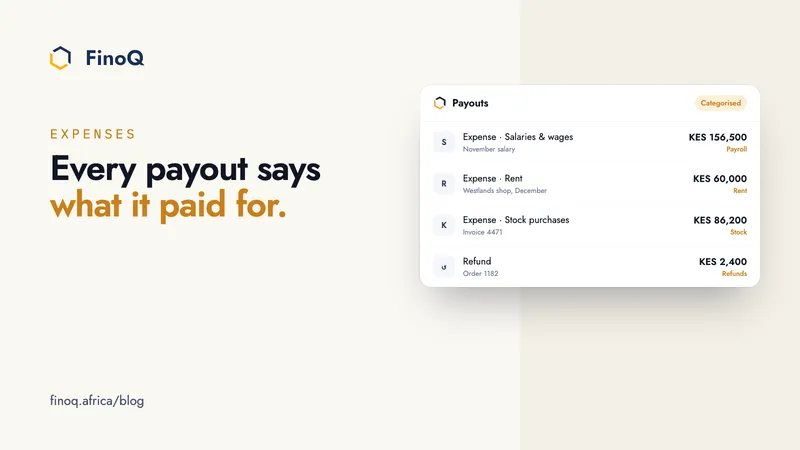
- Every payout has a name check, a category and a record you can export.
So whether FinoQ is your main payouts route or your second one, you are never down to a single point of failure.
Getting started
Create a business account and get verified for payouts on a calm day. Then keep a small balance ready. If you want help setting up a backup payroll route, talk to us.